Platforms: Windows · Linux · macOS
Coming soonHyperscribe Companion
Runs Hyperscribe’s speech recognition on your computer’s GPU, for faster captions.
Download
The first public release is being prepared. Until it’s out, you can build it from source.
What it is
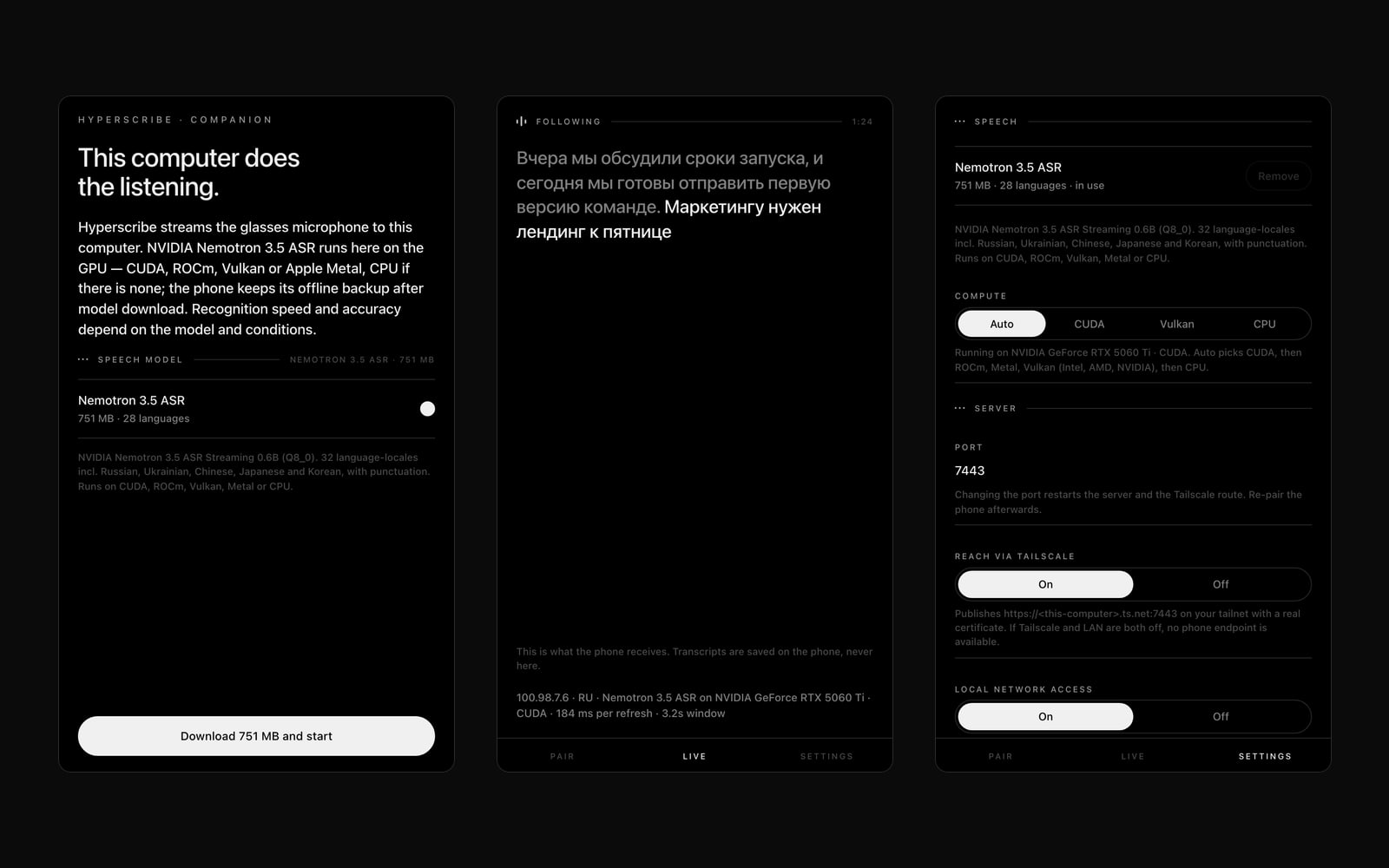
An optional desktop accelerator for Hyperscribe. Your phone sends the glasses’ microphone to your computer over Tailscale; Companion recognises the speech on its GPU and sends the captions back to the phone and the lens.
One model on every platform: NVIDIA Nemotron 3.5 ASR, 32 language-locales including Russian, Ukrainian, Chinese, Japanese and Korean, with punctuation. Words reach the phone about a tenth of a second after they are spoken.
Hyperscribe stays usable without it: the phone keeps an offline backup and reconnects when the computer returns. Companion keeps audio and the live transcript in memory only; recordings are saved on the phone.
What it does
Any GPU, or none
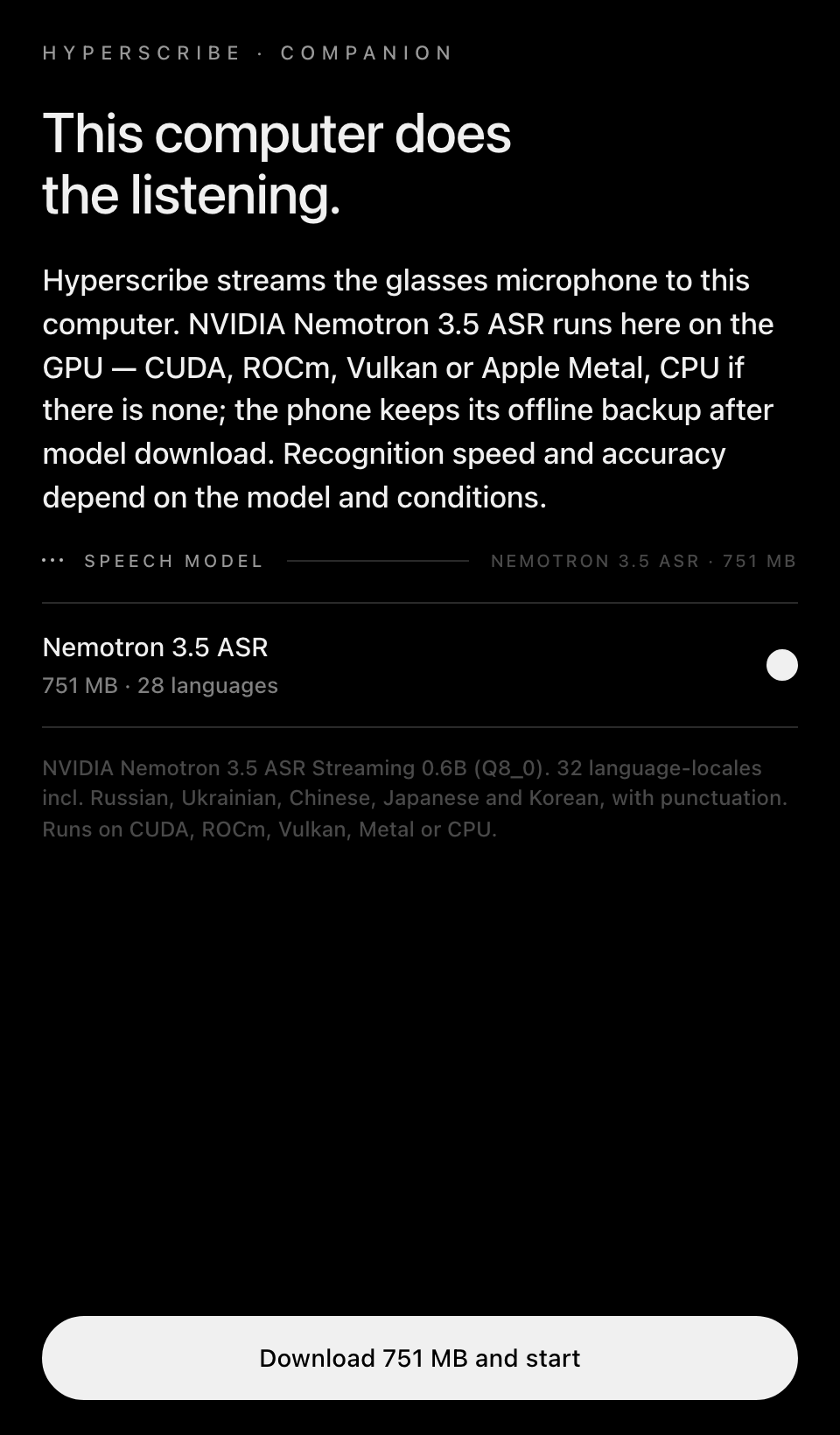
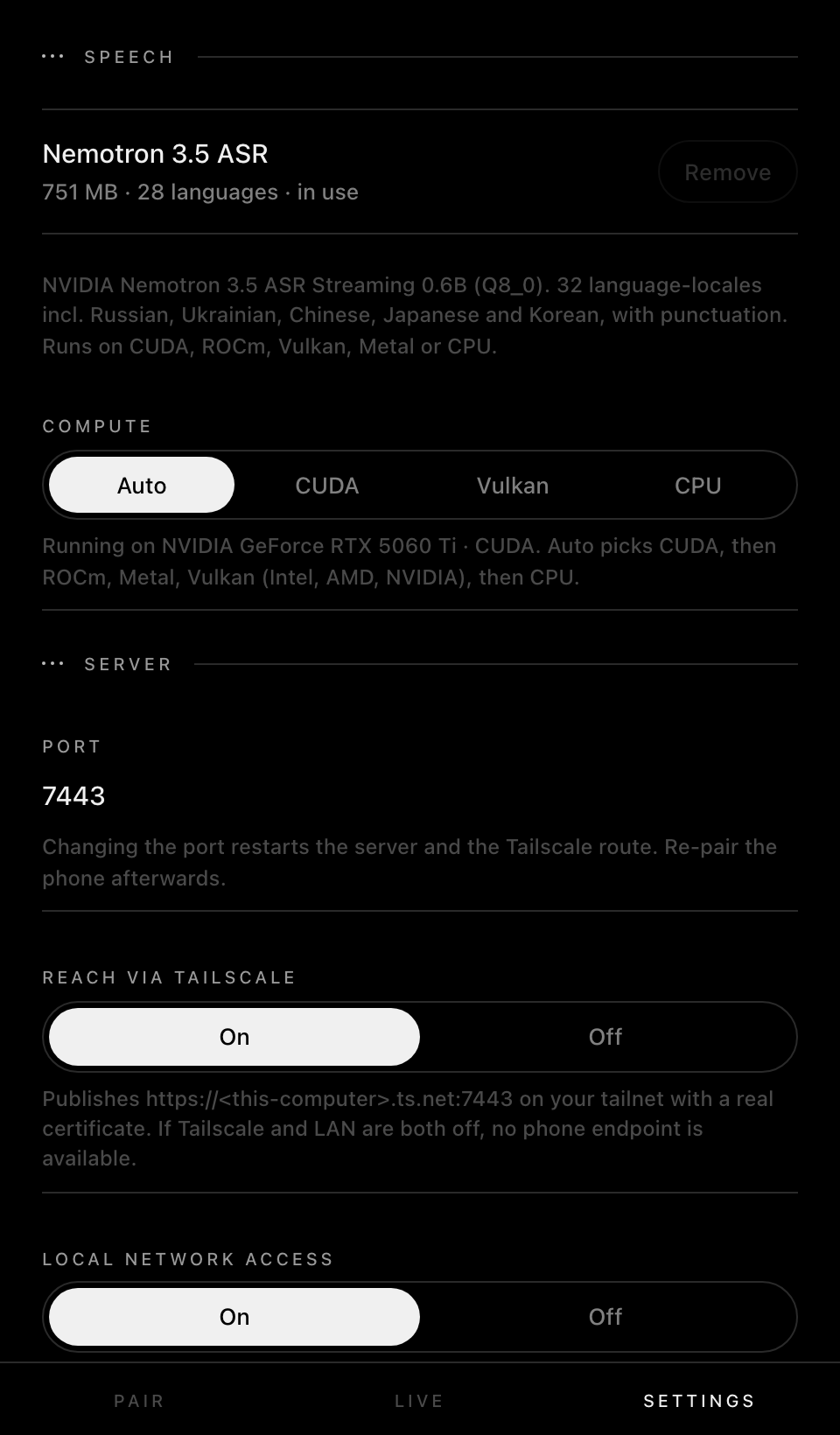
NVIDIA through CUDA, AMD through ROCm or Vulkan, Intel through Vulkan, Apple silicon through Metal. With no usable GPU it runs on the CPU, still in real time on a modern machine.
Streaming, settled fast
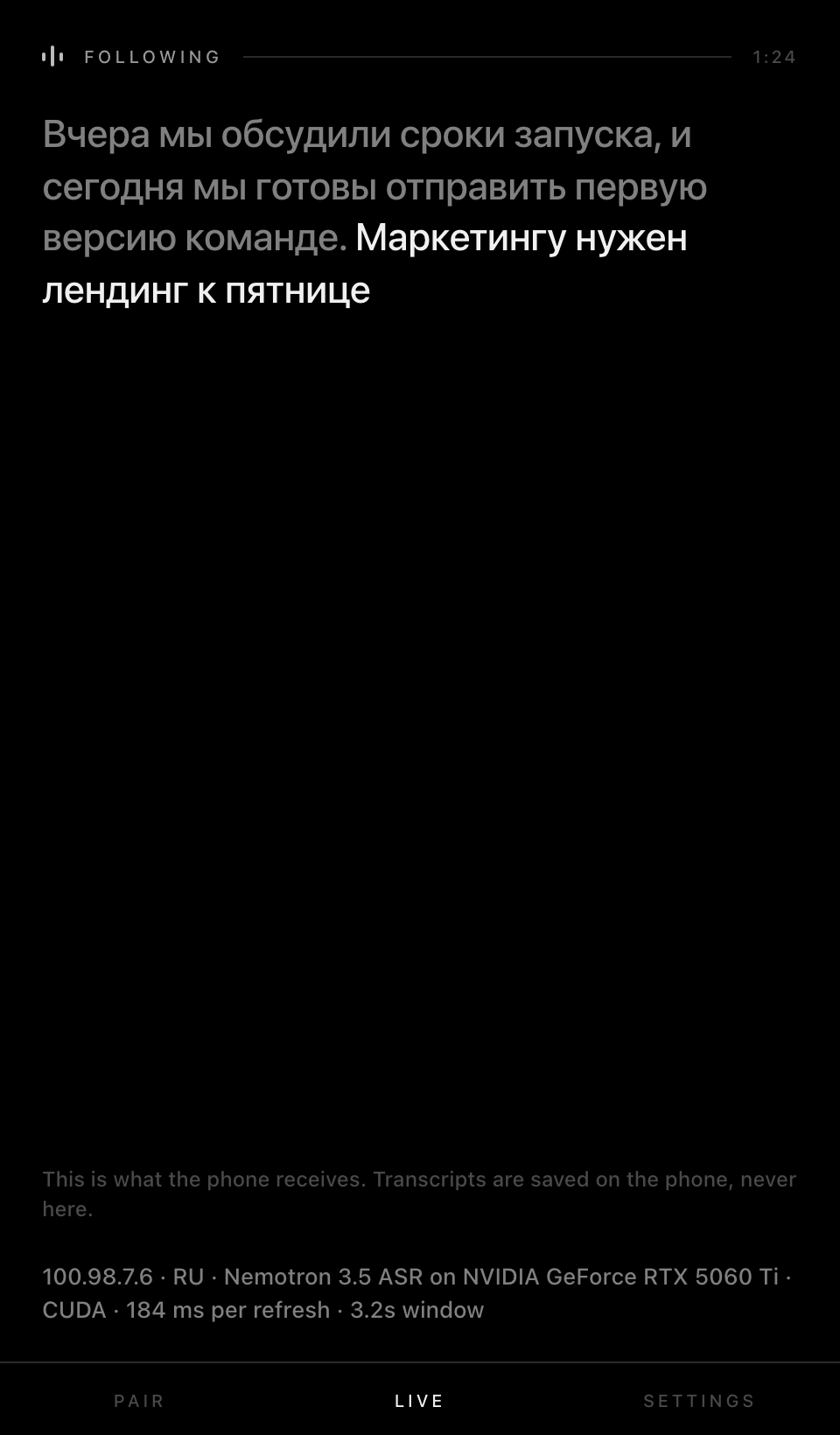
Words are settled about 0.3 s after they are spoken and are never rewritten after that.
Private by default
It listens only on this computer and on your tailnet through Tailscale’s HTTPS, never on the public internet. Plain local Wi-Fi access is off unless you turn it on.
Headless servers too
On a GPU box without a display, it prints the pairing address and a QR code in the terminal.
Screens
What you need
- Windows 10 or 11, Linux (x86_64 or arm64), or a Mac with Apple silicon
- A GPU is recommended (NVIDIA, AMD, Intel or Apple), but not required
- About 1 GB of free disk space for the speech model
- Tailscale on the computer and the phone, and Hyperscribe on your G2
Set it up
Step by step, no coding needed.
Step 1: Set up Hyperscribe first
Companion speeds up Hyperscribe on your glasses, so install that first and check it works on its own.
Hyperscribe setup →Step 2: Install Tailscale
Tailscale is a free app that links your own devices privately, wherever they are. Install it on the computer and on the phone and sign in with the same account on both.
Get Tailscale ↗Step 3: Install Companion
Download Companion for your system and open it. On Windows the window uses Edge WebView2, which Windows 10 and 11 already have.
No ready-made download yet: build it from source for now, as described under “For developers”. Build from source →
Step 4: Download the speech model
Click Download 751 MB and start. Keep the window open while the model downloads, is checked and warms up.
Step 5: Pair your phone
In Companion, open Pair and wait for an address that starts with wss://. On the phone, open Hyperscribe → Settings → Companion, scan the code, choose When reachable and tap Test connection.
Step 6: Start a recording
Start on the glasses or the phone. Companion’s Live tab shows the text it sends back. Keep the computer awake and Companion open.
For developers
Build from source
Needs Git, uv and Python 3.11. For NVIDIA, install with '.[cuda]'; for AMD on Linux, run scripts/install-rocm.sh afterwards.
git clone https://github.com/prudnik-web/Hyperscribe-Companion.git
cd Hyperscribe-Companion
uv venv --python 3.11 .venv
source .venv/bin/activate      # Windows: .venv\Scripts\activate
uv pip install -e .            # NVIDIA: uv pip install -e '.[cuda]'
python -m companion
The repository opens with the first public release; these commands work from then on.
What’s new
Coming next
- One model everywhere: NVIDIA Nemotron 3.5 ASR, with streaming that settles words in about 0.3 s.
- Windows and Linux support, with CUDA, ROCm, Vulkan, Metal and CPU.
- A headless mode for machines without a display, and a self-test.
0.1.0
- First source release for Apple-silicon Macs, with QR pairing over Tailscale.
More projects
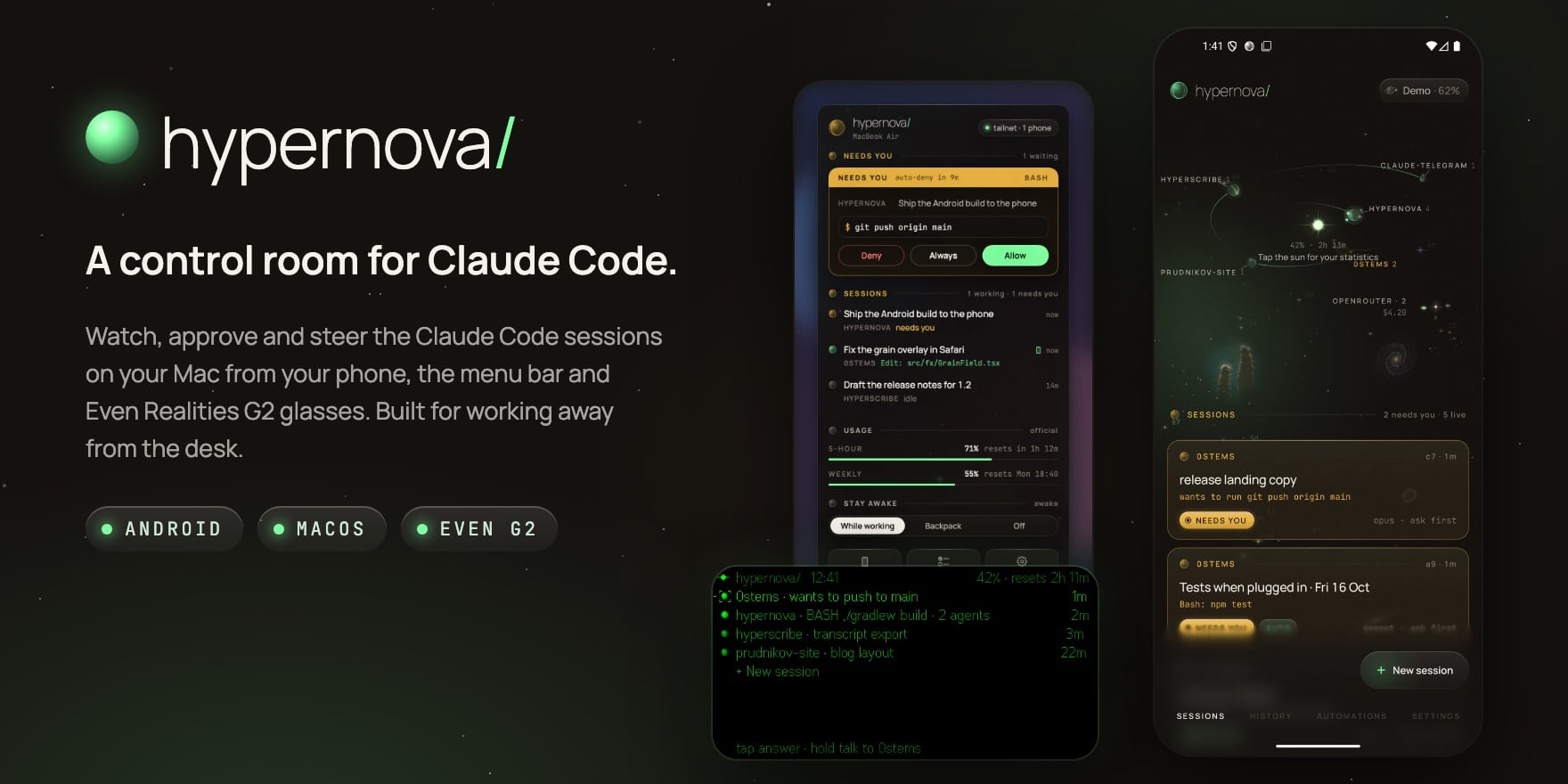
A control room for Claude Code: on your phone, in your menu bar and on your glasses.

Live captions on your G2 glasses. Speech recognition stays on your own devices.
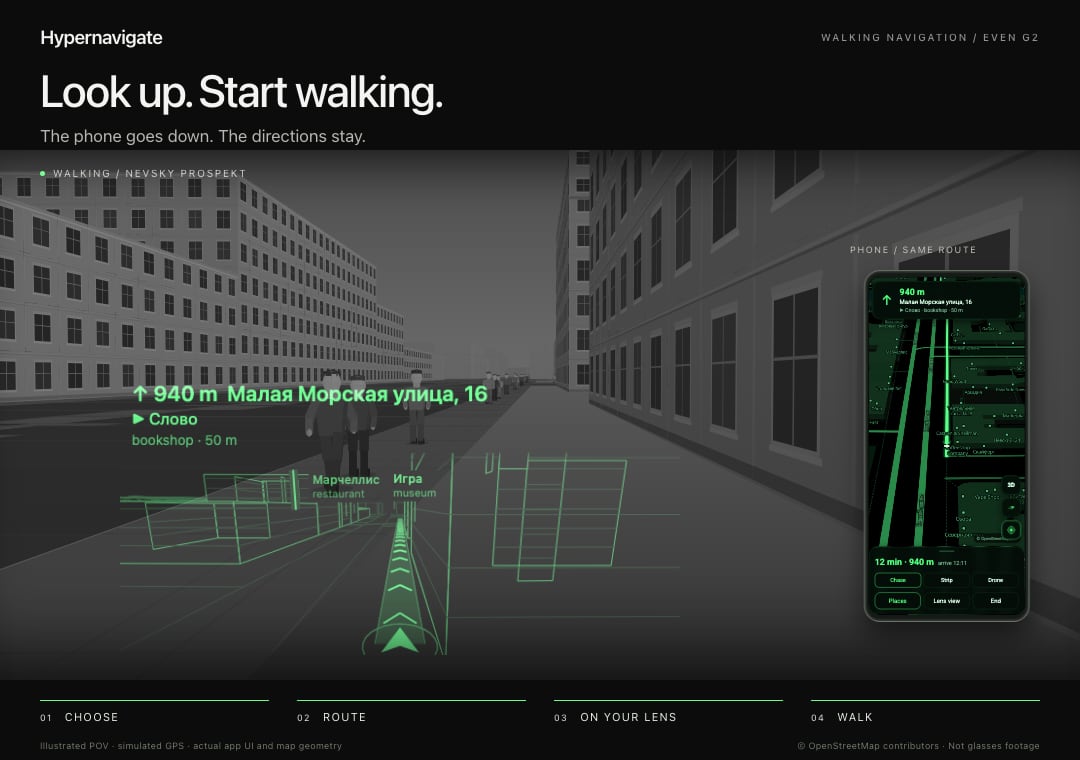
Offline 3D walking navigation on G2 glasses. Saint Petersburg first.