Platforms: Even G2
Coming soonHyperscribe
Live captions on your G2 glasses. Speech recognition stays on your own devices.
Download
The first public release is being prepared. Until it’s out, you can build it from source.
What it is
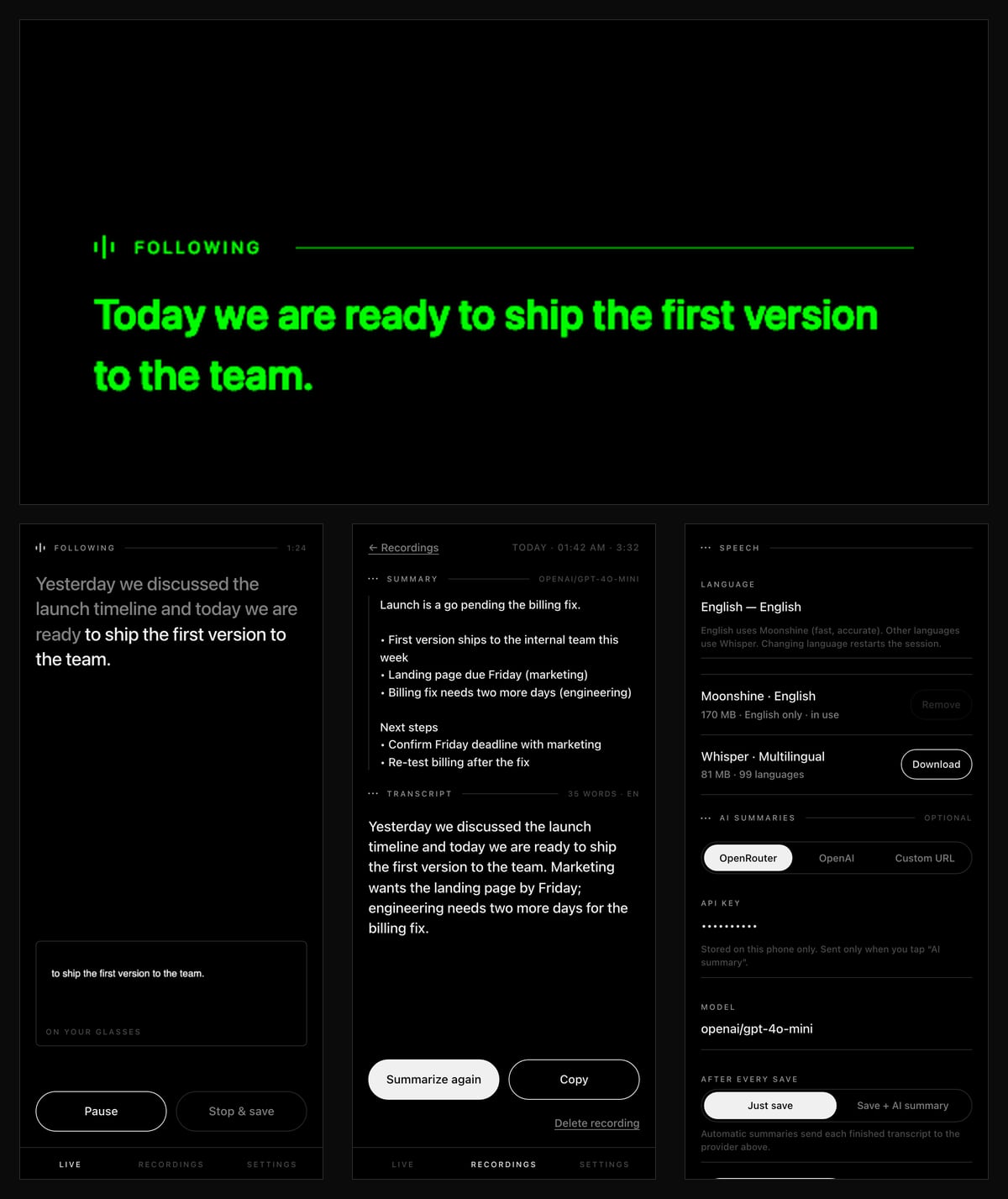
Look up and keep the conversation. Speak, read the latest words on your lens, and keep a transcript on your phone. Once its model is downloaded, Hyperscribe needs no internet.
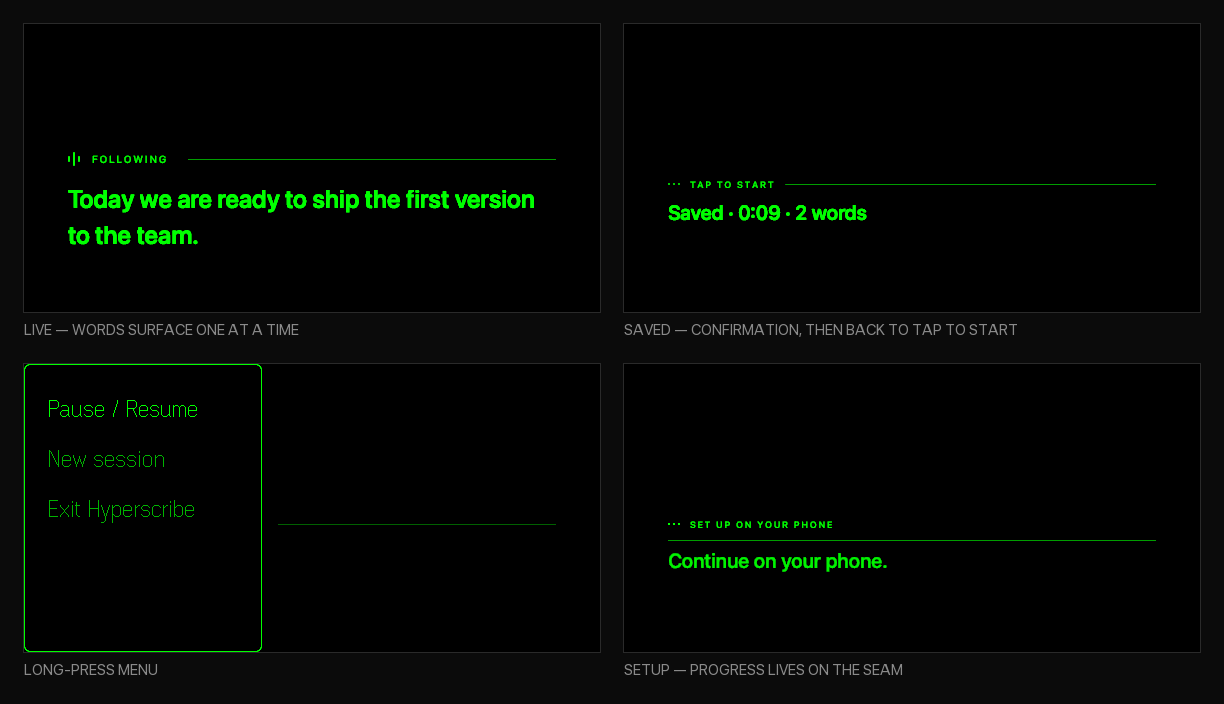
Captions that refine: words still being recognised are underlined and can change as more of the sentence arrives; settled words stay on the green lens.
Your devices, not a hosted recogniser: speech runs on the phone, or on a computer you pair with Hyperscribe Companion. Transcripts are saved on the phone, and AI summaries go only to a provider you set up, only if you ask.
What it does
Works offline
After a one-time model download (about 80 to 210 MB), recognition runs on your phone. WebGPU is used when the phone supports it, with a safe fallback.
Many languages
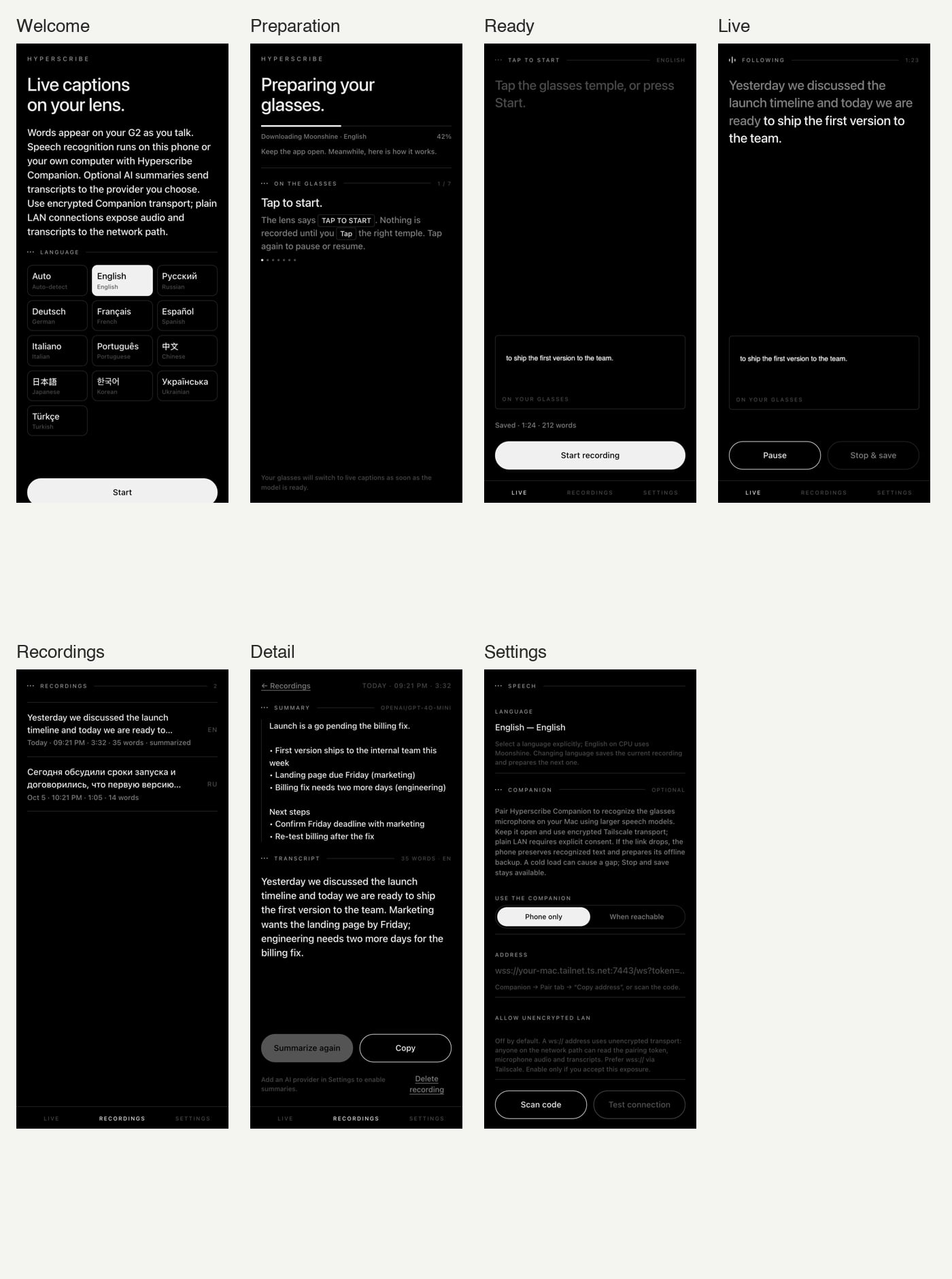
English, Russian, German, French, Spanish, Italian, Portuguese, Chinese, Japanese, Korean, Ukrainian and Turkish, plus automatic detection.
Transcripts you keep
Pause, resume, save, copy and review on the phone. If saving is interrupted, you can retry or copy the text.
Faster with a computer
Pair Hyperscribe Companion to run a larger model on your computer’s GPU. If it drops out, the phone takes over and keeps your text.
Screens
What you need
- Even Realities G2 glasses with the Even app 2.2.10 or newer
- A phone with free space for the speech model (about 80 to 210 MB)
- Internet once, to download the model; not needed afterwards
- Optional: a computer with Hyperscribe Companion, and Tailscale
Set it up
Step by step, no coding needed.
Step 1: Pair your glasses
Your Even Realities G2 should already work with the Even app on your phone, version 2.2.10 or newer.
Step 2: Turn on developer mode
Hyperscribe isn’t in the Even Hub catalogue yet, so you add it yourself. In the Even app, turn on developer mode (Prototype mode, My plugin).
Step 3: Add Hyperscribe
Scan the QR code next to the download with the Even app’s scanner: it points at the app file. If your Even app only opens a browser, download the .ehpk file instead, upload it as a private build in the Even Hub developer portal and open it from the Even app.
Even Hub developer portal ↗No ready-made download yet: build it from source for now, as described under “For developers”. Build from source →
Step 4: Download the speech model
Open Hyperscribe, pick your language and let the model download, preferably on Wi-Fi. From then on it works without the internet.
Step 5: Start talking
When the lens says TAP TO START, tap the right temple (or press Start recording on the phone). Tap to pause or resume, double-tap to stop and save, long-press for more.
For developers
Build from source
Builds the .ehpk with Node.js 22.18 or later. The speech models are not bundled; the app downloads them.
git clone https://github.com/prudnik-web/Hyperscribe.git
cd Hyperscribe
npm ci
npm run pack     # writes out.ehpk
The repository opens with the first public release; these commands work from then on.
What’s new
1.0.0
First public release, coming soon
- Everything since the 0.x prototypes in one stable version, installed as a single .ehpk file.
- Smoother lens updates, a clearer connection status and a quicker reconnect to the Companion.
- Speech models come from pinned sources and are checked by size and SHA-256 before use.
0.1.0
- Live G2 captions with underlined, revisable phrases and settled text.
- Offline recognition on the phone after the model download, with WebGPU when available.
- Optional Companion on a computer, with encrypted Tailscale pairing and phone fallback.
- Local transcripts with pause, resume, save, copy and recovery checkpoints.
0.3–0.7
- Prototypes: on-device captions, Companion support, WebGPU, automatic language.
More projects
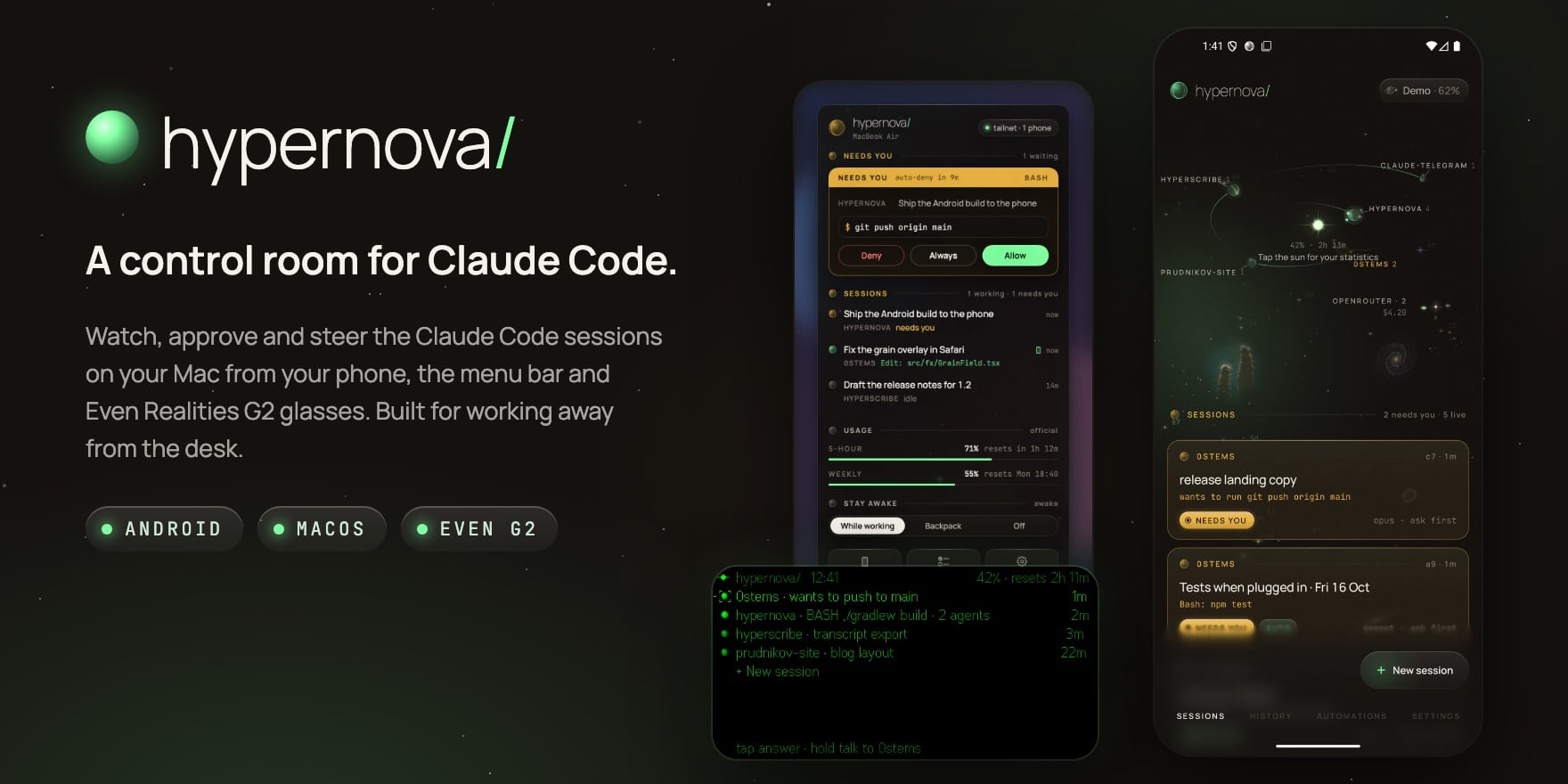
A control room for Claude Code: on your phone, in your menu bar and on your glasses.
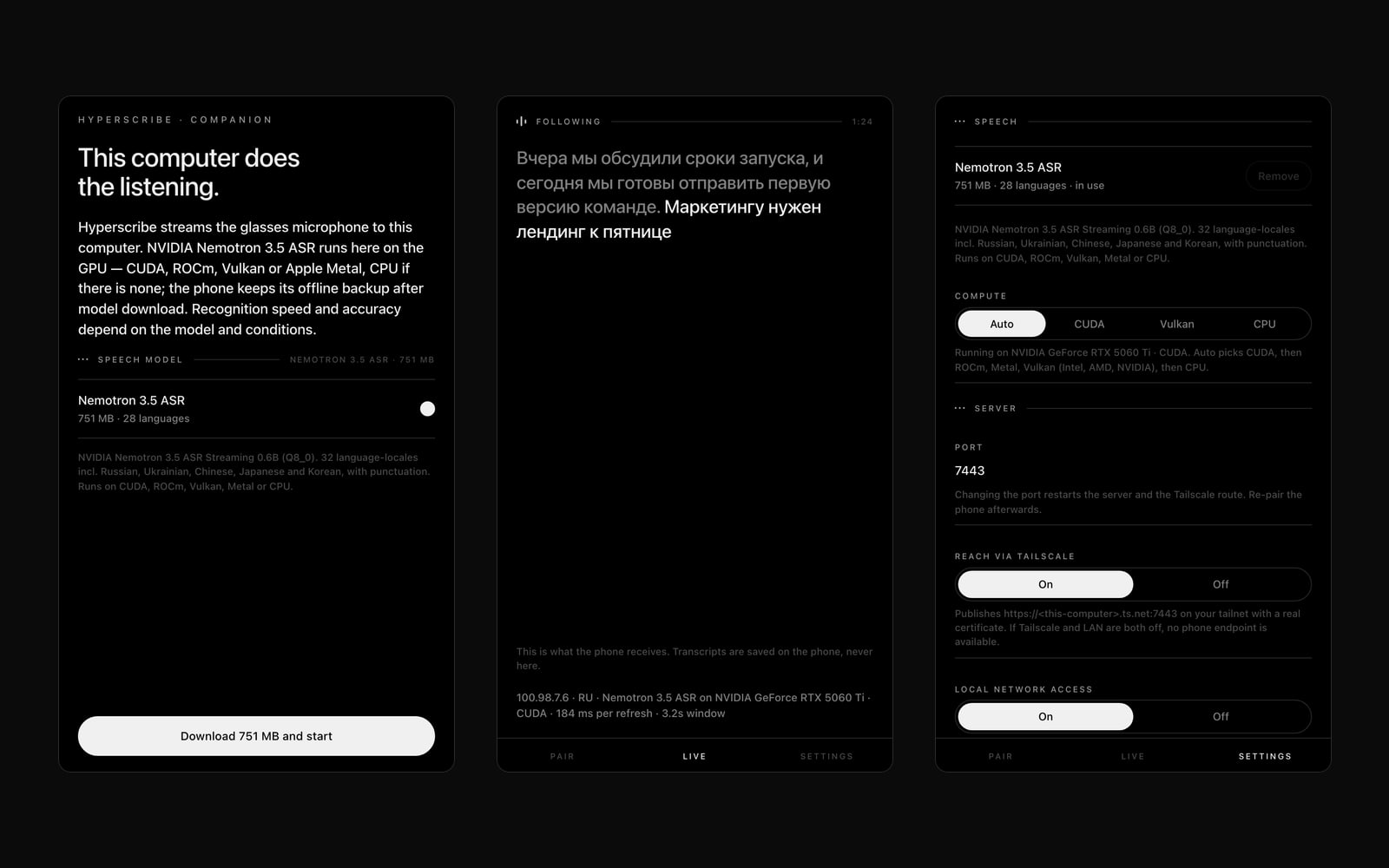
Runs Hyperscribe’s speech recognition on your computer’s GPU, for faster captions.
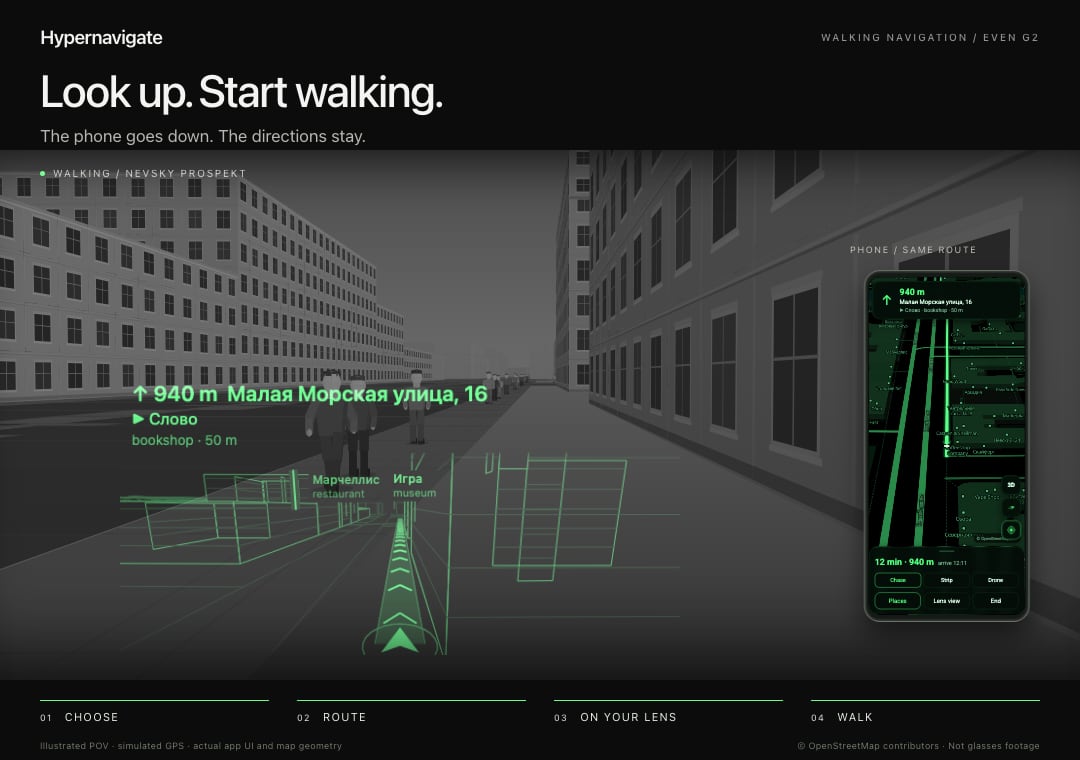
Offline 3D walking navigation on G2 glasses. Saint Petersburg first.